Launch in a few simple steps

Get started with Karekodvizit.

Choose the path that fits you best: log in if you already have access, create your first account, or talk to us for a team setup.

Useful checklist
  • Name, title and company
  • Phone number and email address
  • Website and social links
  • Logo, profile photo and banner image
  • Short description of what you do
  • Your preferred plan
1

I already have an account

Open your dashboard and manage your card, links, media and profile details.

Open dashboard
2

I want my first card

Create your account and start with a live QR business card.

Create account
3

I need cards for a team

Contact us for multiple cards with one company style across your employees.

Request team setup

What happens next

The public pages are now cleaner and brighter, but the process stays simple.

01

Choose your starting point

Sign in, create an account or contact us for team needs.

02

Add your details

Prepare your name, role, phone, email, website, links, photo and logo.

03

Share the same QR

Your page can go live with one QR code that remains the same later.

Karekodvizit mobile preview
Demo QR

Test the live demo before you begin

The QR below opens your real demo page.
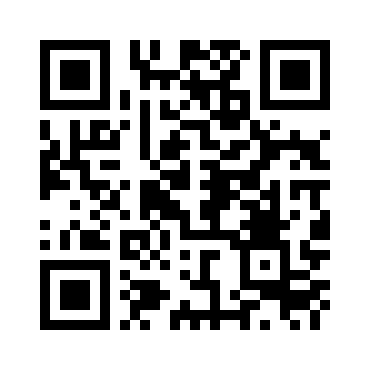
Demo QR
https://karekodvizit.com/q/demoqrcode
Open demo QR